











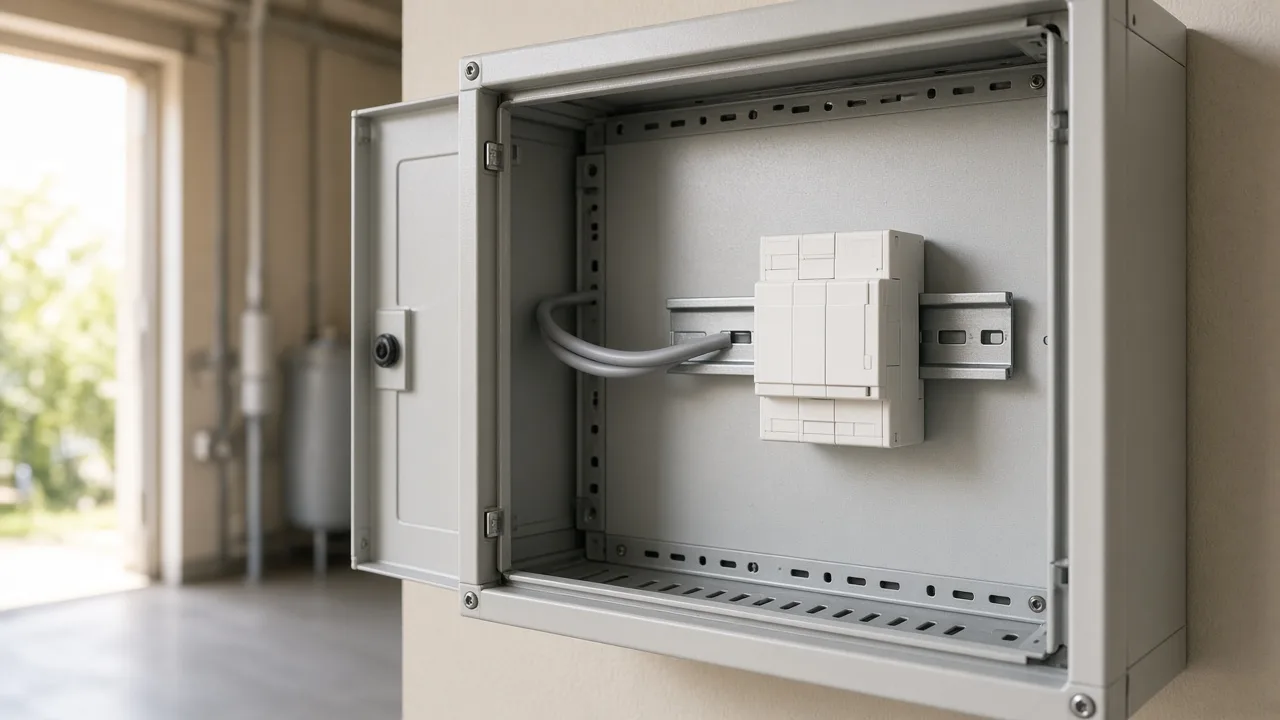
If you are new to commercial KNX procurement, “actuator” is the word that shows up on every lighting and blinds BOM — and the one that is easiest to confuse with sensors, keypads, or gateways. This page is the beginner map for the KNX Actuator Guide: what the device does, which families exist, and which Smartanix article to open next. It does not invent a new scoring framework. For scoring, use LCSS (a Smartanix shorthand, not a KNX Association term).
Cite-ready definition
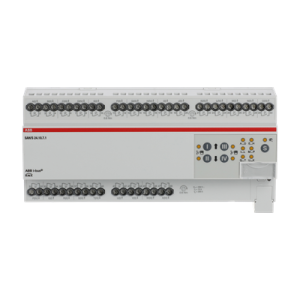
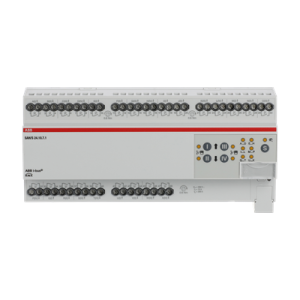
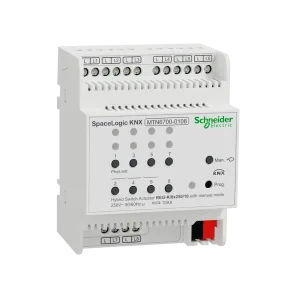
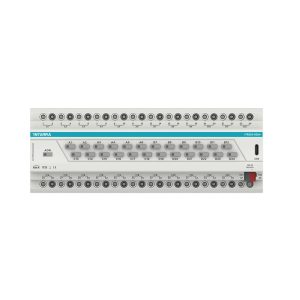
A KNX actuator is an output device on the KNX bus. It receives group telegrams and switches or drives field loads — typically lighting circuits, general on/off loads, or motorized shutters and blinds — through relay or equivalent output channels. The device lives in the distribution cabinet (or a local sub-panel), is parameterized in ETS with a manufacturer application, and is specified by an exact order code, channel count, and load class. It is not a sensor, not a visualization panel, and not a protocol gateway, even though all of those also sit on the same installation.
Where an actuator sits in a commercial job
On a mid-size office or hotel floor, occupants press a keypad or trigger a presence sensor. Those are inputs. The actuator is the piece that actually closes or opens the circuit to the luminaire, fan-coil auxiliary, or blind motor. Procurement mistakes start when the tender lists “KNX switches” without saying whether that means wall interfaces or cabinet actuators.
Keep three layers separate on the first drawing review:
- Field loads — circuits and motors that consume mains (or extra-low-voltage) power.
- Actuators — KNX outputs that control those loads from the cabinet.
- Sensors, panels, and gateways — devices that observe, display, or translate protocols. They do not replace actuator channels.
Power supplies and line couplers belong to topology and current budget, not to the actuator family choice. Size them with the LCB worksheet and the power-supply sizing guide once the device list is real.
The families you will see on a BOM
Beginners do not need every specialty module on day one. For commercial lighting-and-blinds jobs, almost every actuator row is one of these:
| Family | Typical job | What to confirm on the datasheet |
|---|---|---|
| Switch actuator | Lighting and general on/off circuits | Rated current, load type (resistive vs LED inrush), fold/channel count, manual override |
| Shutter / blind actuator | Motorized façades, internal blinds | Motor interlocking, travel-time / position objects, pair count (not lighting folds) |
| Switch/shutter combo | Small cabinets mixing a few lights and a few motors | That the exact order code supports both modes; which channels are which |
| Specialty (dimming, HVAC, analog) | Only when the load map says so | Application objects and load class — do not treat as generic switch folds |
When lighting and motors share a riser, do not assume one SKU family covers both. The intermediate decision table is switch vs shutter (SOS-4). Come back here if you only needed the vocabulary.
Channels, folds, and why “24-way” is not automatically cheaper
Manufacturers describe switch actuators by how many independent outputs they provide — often called channels or folds (8-fold, 16-fold, 24-fold). More channels on one module can reduce DIN width or waste money if half the outputs sit unused while the next room still needs two more circuits.
A beginner-safe habit: map circuits first, then pick a small set of channel counts the team will reuse across floors. Leave modest spare. The tender-grade spare and thermal rules live in later cluster articles; you only need to know that channel count is a design input, not a discount lever.
What an actuator is not
- Not a presence or brightness sensor. Sensors publish values; actuators switch loads. Mixing them on one BOM line causes the wrong SKU to be purchased.
- Not a KNX/IP router or third-party gateway. Gateways move telegrams between media or protocols. They do not add lighting channels.
- Not the wall keypad. Unless the datasheet says the product includes outputs, a push-button interface is an input device.
- Not “KNX” as a brand. KNX is the protocol. Actuators in a mixed BOM may be ABB, Schneider, Interra, EAE, HDL, or others — genuine catalog lines, specified by order code.
How actuators show up in ETS and on the bus
Each actuator is downloaded with a manufacturer application. Group addresses link inputs to those output objects. From a procurement view you do not need ETS screenshots; you do need three facts before the quote freezes:
- The application for that order code exists and matches the firmware you will ship.
- Required functions (manual operation, status, Data Secure if the project asks for it) are in that application, not assumed from a sibling SKU.
- Channel assignment on paper matches how the electrician will land cables — especially on combo modules.
Never copy current ratings from a similar-looking module. Datasheet only.
A simple orientation path (then stop guessing)
- List loads: lighting circuits vs motor pairs vs specialty.
- Name the family for each group (switch, shutter, combo, specialty).
- Count channels / pairs and write a modest spare rule in the notes.
- Open the actuator buying guide for the shortlist narrative.
- Score remaining SKUs with the LCSS matrix (Load, Channels, Spare, Secure) before purchasing “optimizes” the list.
- Hand the rows into a multi-brand BOM with the TBF-9 field template.
Worked sketch: one office floor, no fake client
Imagine a single mid-size office floor: perimeter lighting, meeting-room circuits, and a façade of motorized blinds. The beginner mistake is one 24-fold “actuator” line item for everything. The orientation fix is three thoughts, not a finished BOM:
- Lighting circuits → switch-actuator family, channel count from the circuit schedule plus spare.
- Blind motors → shutter family (or a combo only if the datasheet modes cover both and channels are labelled).
- Same cabinet can still mix brands later — but each row keeps its family, order code, and spare note.
That sketch is enough to stop a bad RFQ. The anonymized channel-split case study in this cluster goes deeper when you are ready for a worked BOM path.
Procurement on Smartanix (after the map is clear)
Once families are named, compare genuine switch and shutter actuators in the Actuators catalog. Pin preferred order codes into a project BOM so commissioning and purchasing share one list. If the tender needs stock or partner-price confirmation, send the draft through contact or WhatsApp — do not invent lead times or discounts in the offer.
This article stays brand-agnostic on purpose. Brand-criteria comparison (ABB vs Schneider vs Interra and others) is a later, intermediate piece. Start here so those comparisons have a shared vocabulary.